 Surfping
Nobody gets left behind,
even where there is no signal.
Group hikes that work offline. Surfping keeps watch for your crew on hikes, climbs, treks, ski days, tours and school trips, with no signal and no server needed.
FreeNo adsNo trackersAges 16+
- End-to-end encrypted online chats and calls
- No phone number needed
- No ads, no trackers
- We never sell your data
- Free to use
The bars are gone.
Your crew isn’t.
Someone stops for water, takes a wrong fork or falls behind in the rain, and the group only notices an hour later. Surfping keeps watch for your crew, on hikes, climbs, treks, ski days, tours and school trips.
Keep watch
on your crew.
Surfping tells the whole crew when someone goes quiet or falls behind, even with no signal.
Separation alarm
If a crew member goes quiet, drifts far from the group or ends up behind the person walking last, every crew phone is told, usually within 15 minutes. No signal and no server needed.
Last seen
Each phone remembers when and where it last heard each member, and shares that with the crew. If a phone dies, the rest of the crew still knows where that person was last seen, and by whom.
Rescue card
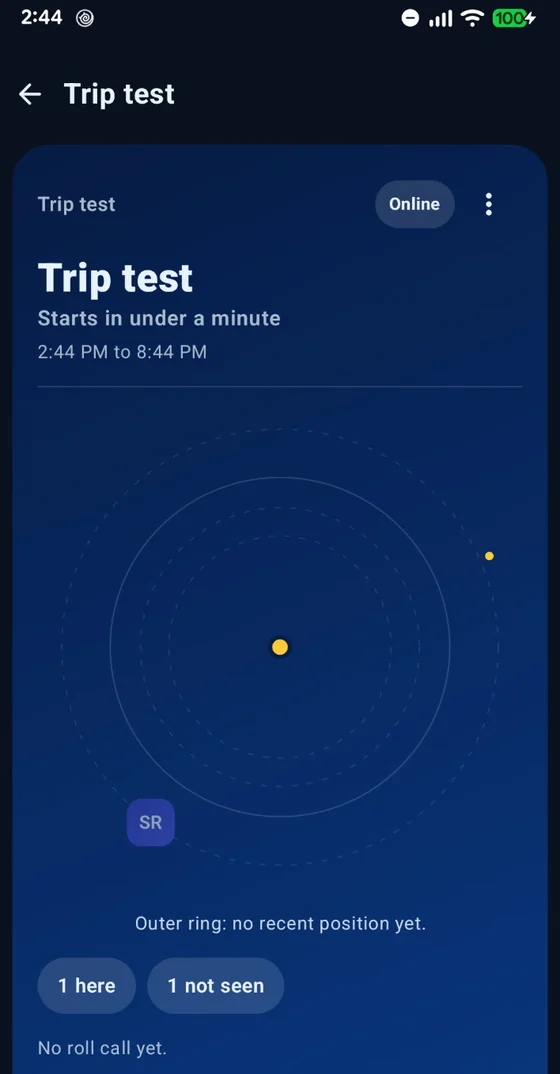
One screen with everyone’s last position, time, height and battery, ready to show a rescue team or share offline.
Checkpoints
Tap “We’re at a checkpoint” and a roll call starts. Anyone who has not answered after 3 minutes is pointed out.
Leader and sweep
Choose who leads and who walks last. Surfping warns you when someone is behind the sweep.
Height
“120 m below you”, from the barometer. In the mountains, the height difference matters as much as the distance.
Battery
The crew gets a calm note when a phone runs low. At 5% it sends one last position.
Lock Screen
On iPhone, the crew status sits on your Lock Screen and in the Dynamic Island, like “5 of 5 heard”.
Everything
for the day out.
One crew, one trip, one place to look. Made for hikes, climbs, treks, ski days, tours and school trips.
Roll call
One tap asks who is here, and the answer comes back as a headcount, like 8 of 9.
Trip promise
Set “back by 17:30”. Every crew phone holds it, and if nobody hears from you after that time, the other phones show an alert, even with no signal.
Crew compass
Distance and direction to each crew member or the meeting point. GPS works without signal.
Record my trail
Off by default. Surfping remembers where each of you last had signal.
Your crew sees your position, height and battery only while a trip is on.
Phones talk
to phones.
Chat with your crew phone to phone over Bluetooth and peer-to-peer Wi-Fi, between iPhone and Android too. No mobile data and no Wi-Fi network needed.
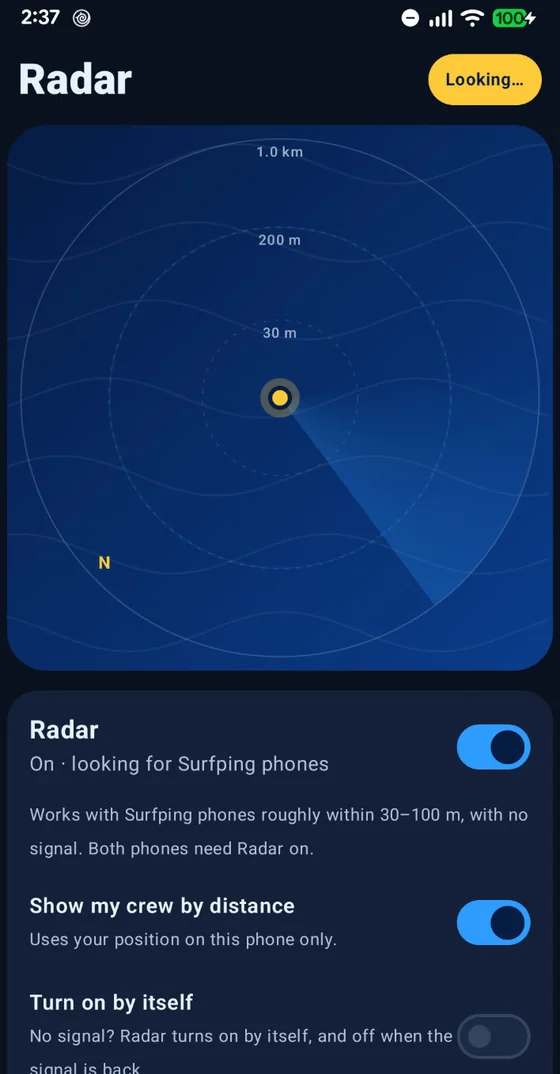
Turn on Radar
Surfping looks for other Surfping phones around you. Radar can also switch on by itself when the signal drops.
Chat with your crew
Write in your crew chat. Phones in range, roughly 30–100 m, get it straight away.
Out of range? It waits
A message to someone out of range waits on your phone and goes out when they come close. It can hop through other Surfping phones for up to 24 hours. Phones in between carry it sealed and cannot read it.
- Ana
- Budi
- Citradelivered
Good to know: the phone-to-phone radio is only promised while Surfping is open on your screen. Range is roughly 30 to 100 metres between phones and grows when other Surfping phones sit in between. Messages to your contacts or your crew are signed and sealed for the recipient, so phones that pass them along cannot read them. An SOS and the “Everyone nearby” room are public: any Surfping phone in range can see them, and while Radar is on nearby Surfping phones can see your name and @username. No app can protect a phone that already has spyware on it.
Help, one
hold away.
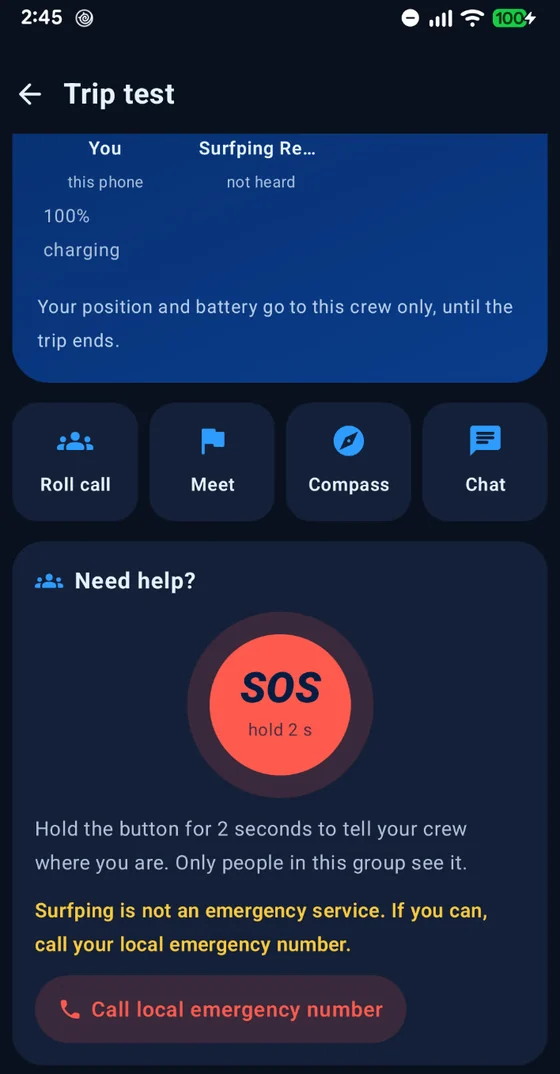
Hold the SOS button for 2 seconds and your position goes to your crew and to every Surfping phone in range, strangers included. It repeats every 30 seconds until you tap “I’m safe”. With internet it also goes to your crew online.
- Works with no signalSOS travels phone to phone, like your offline chat.
- Public to phones in rangeStrangers with Surfping nearby can see your name and position.
Surfping is not an emergency service and never contacts anyone outside Surfping. Call your local emergency number whenever you can.
Your crew sees you.
Nobody else.
No ads. No trackers. No analytics. We never sell your data. Your crew sees your position, height and battery only while a trip is on.
End-to-end encrypted
Online chats, calls and crew positions. We cannot read them.
Sealed offline messages
Messages sent with no signal are signed and sealed for the recipient. Phones that pass them along cannot read them.
No phone number
Sign in with Apple on iPhone, or with email or Google on Android, and pick an @username. Surfping never uploads your contacts.
No ads, no trackers
No analytics either. We never sell your data.
- Quiet notificationsPush notifications carry no message text through Google or Apple.
- A backup only you can openPlus app lock and screen security.
- You decide who reaches youIn one-to-one chats, strangers can only send a chat request. Report and block are one tap away.
- Reports reviewed in 24 hoursOur team reviews every report within 24 hours.
- Leave any timeDelete your account inside the app whenever you like.
Encryption protects your messages on the way and on our server. Offline messages are signed and sealed for the recipient, so phones that pass them along can’t read them. No app can protect a phone that already has spyware on it, so keep your phone updated.
Stay in touch,
with or without signal.
Chat with your crew phone to phone when there is no signal, and end-to-end encrypted when you are online.
Chats and groups
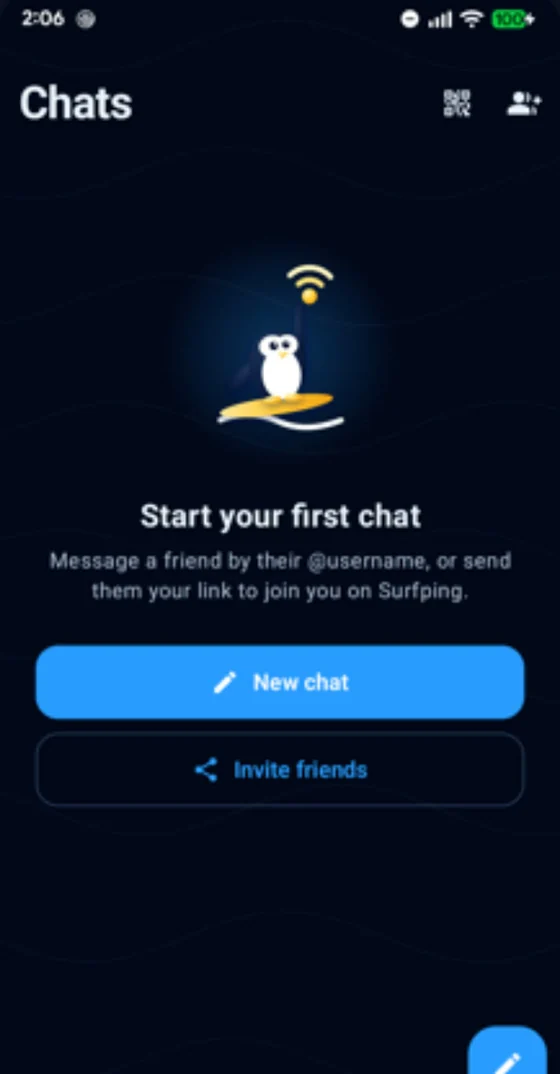
End-to-end encrypted online, one to one or with a whole crew. Photos, videos, voice notes, files, stickers and reactions.
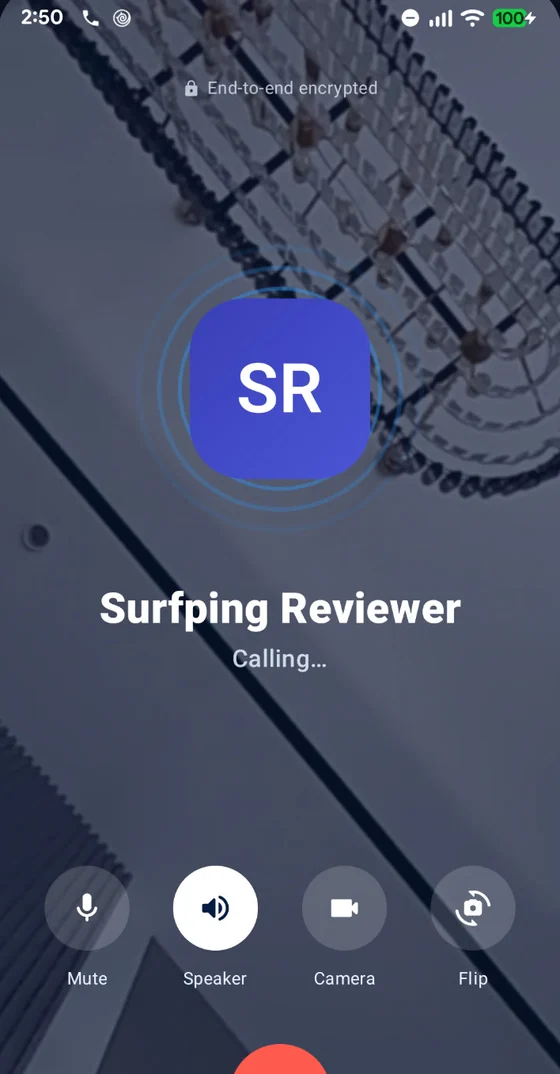
Voice and video calls
One-to-one calls, end-to-end encrypted over the internet, with picture-in-picture. Calls need internet.
Made for real conversations
Reply, edit, forward, pin, search all chats, and see Sent and Seen ticks.
Disappearing messages
Plus archive, mute and My notes to keep things tidy.
Find friends your way
By @username, QR code or profile link. In one-to-one chats, strangers can only send a chat request.
App lock and a private backup
App lock, screen security and an encrypted backup only you can open.
Up and running in a minute.
Get Surfping
Install it from Google Play. It is free, with no ads. The iPhone app is coming soon.
Pick your @username
Sign in with Apple on iPhone, or with email or Google on Android. No phone number, no contacts upload.
Start a trip
Invite your crew with a link or QR code, start a trip and set a meeting point and a “back by” time.
Questions, answered.
Is Surfping free?
What is Surfping for?
What happens when someone falls behind?
How does it work with no signal?
Who can see my position?
Do I need a phone number?
Can Surfping read my messages?
Are offline messages private?
Is Surfping an emergency service?
Is there an iPhone app?
How do I report or block someone?
How do I delete my account?
Who is it for, and who makes it?

Ready when the signal isn’t.
Free on Google Play. Nobody gets left behind, even with no signal.
Google Play for Android. App Store for iPhone: coming soon.